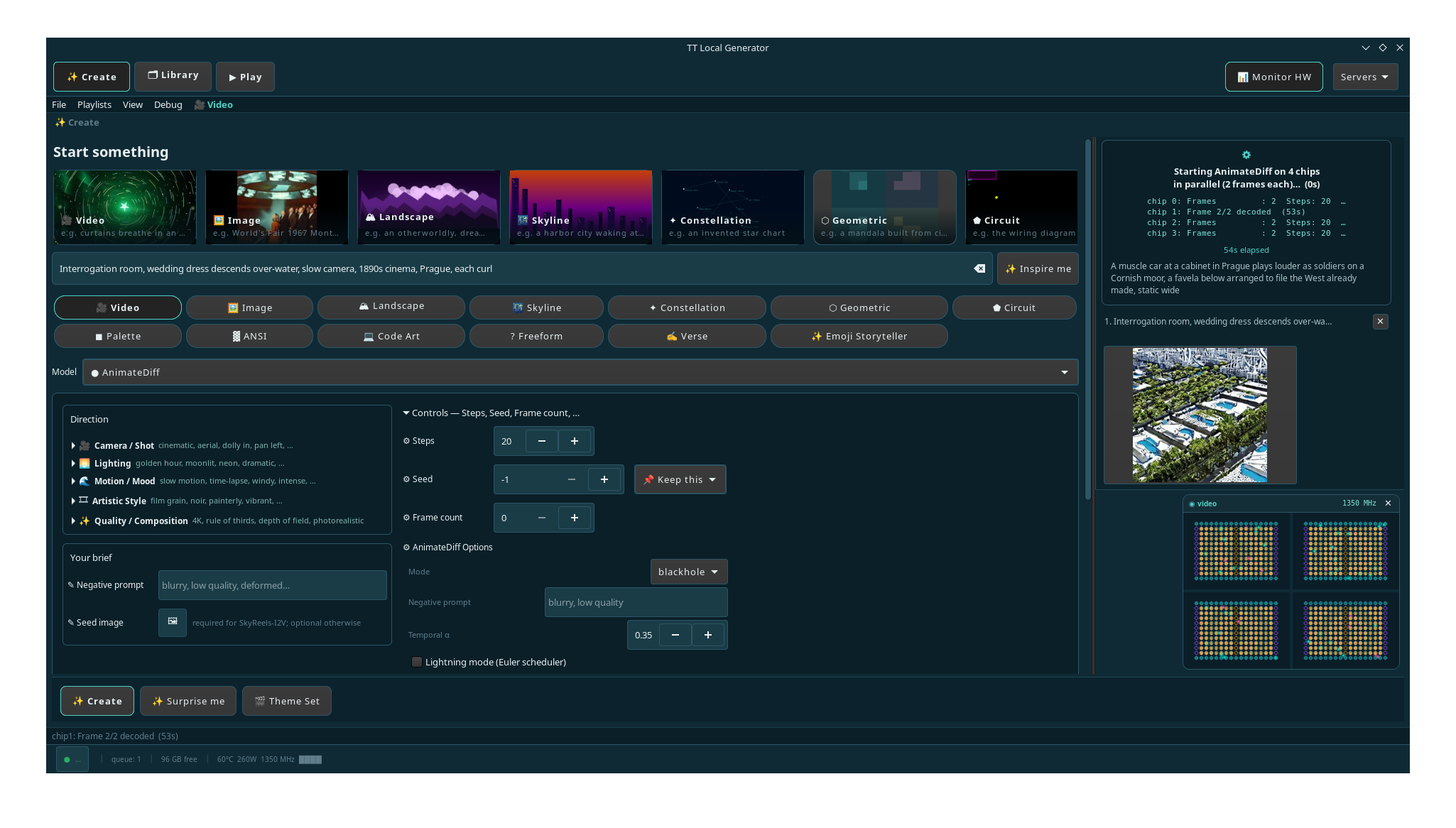
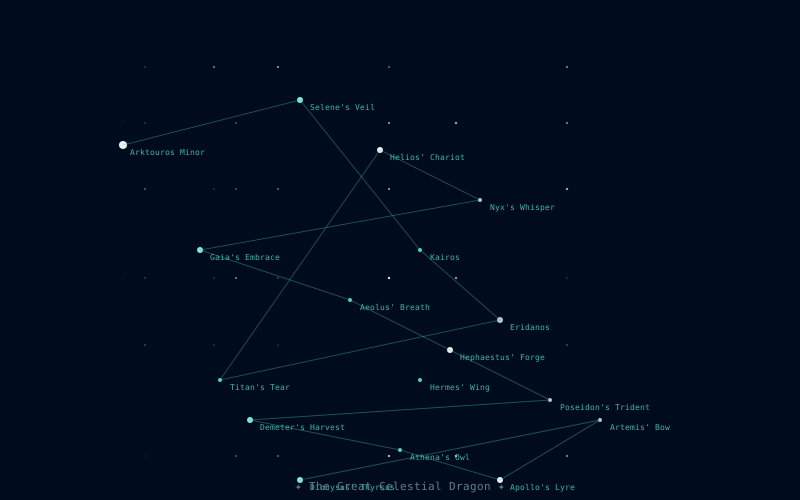
Generate cinematic video, images, and animated characters on your own Tenstorrent hardware. No cloud. No rate limits. Full creative control.
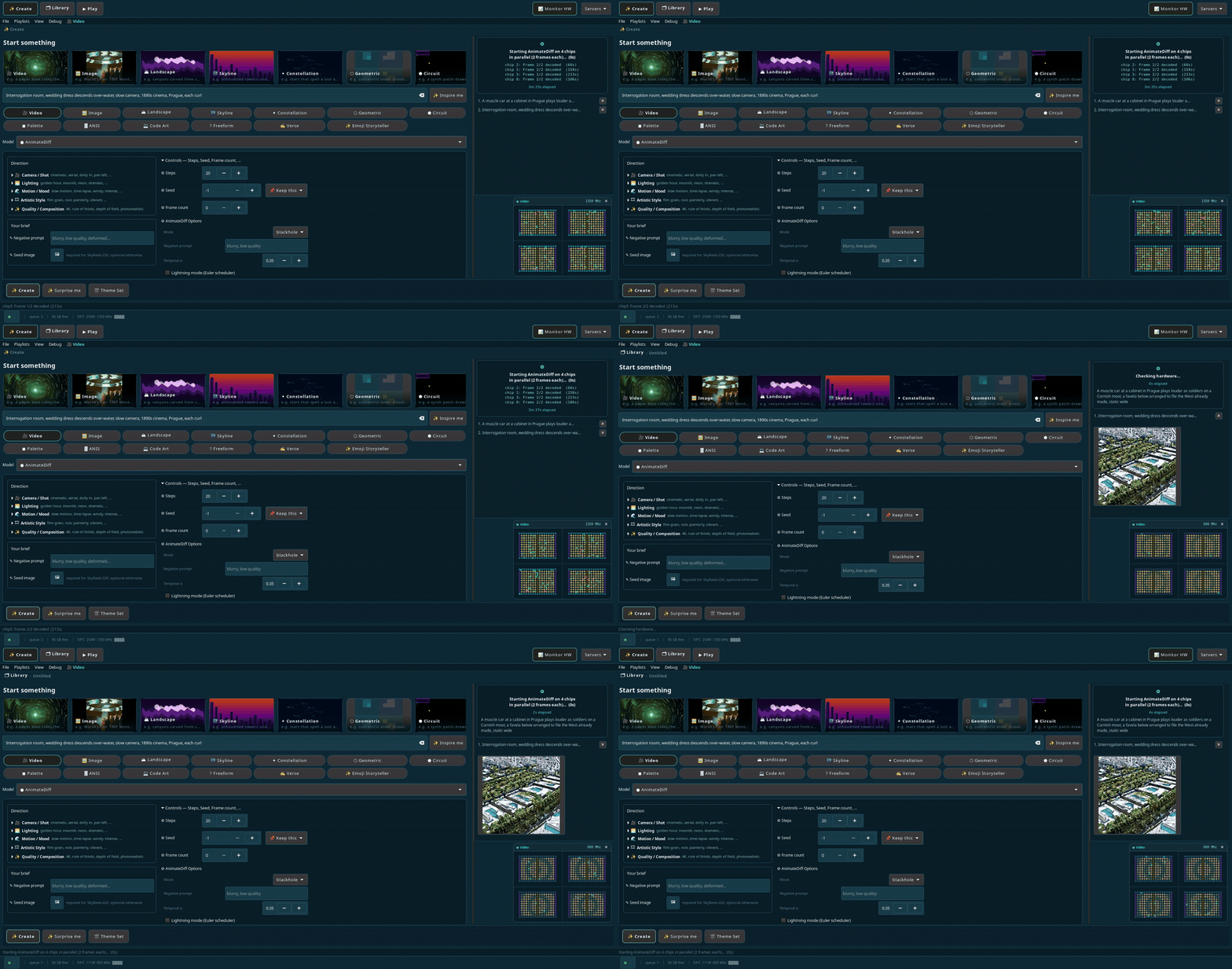
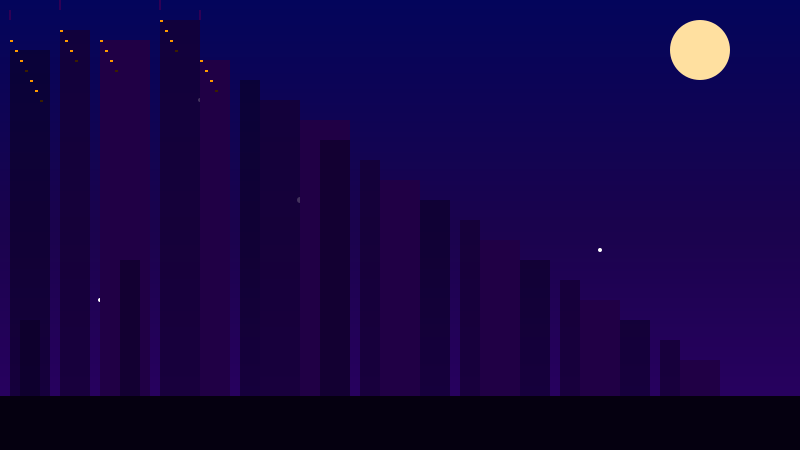
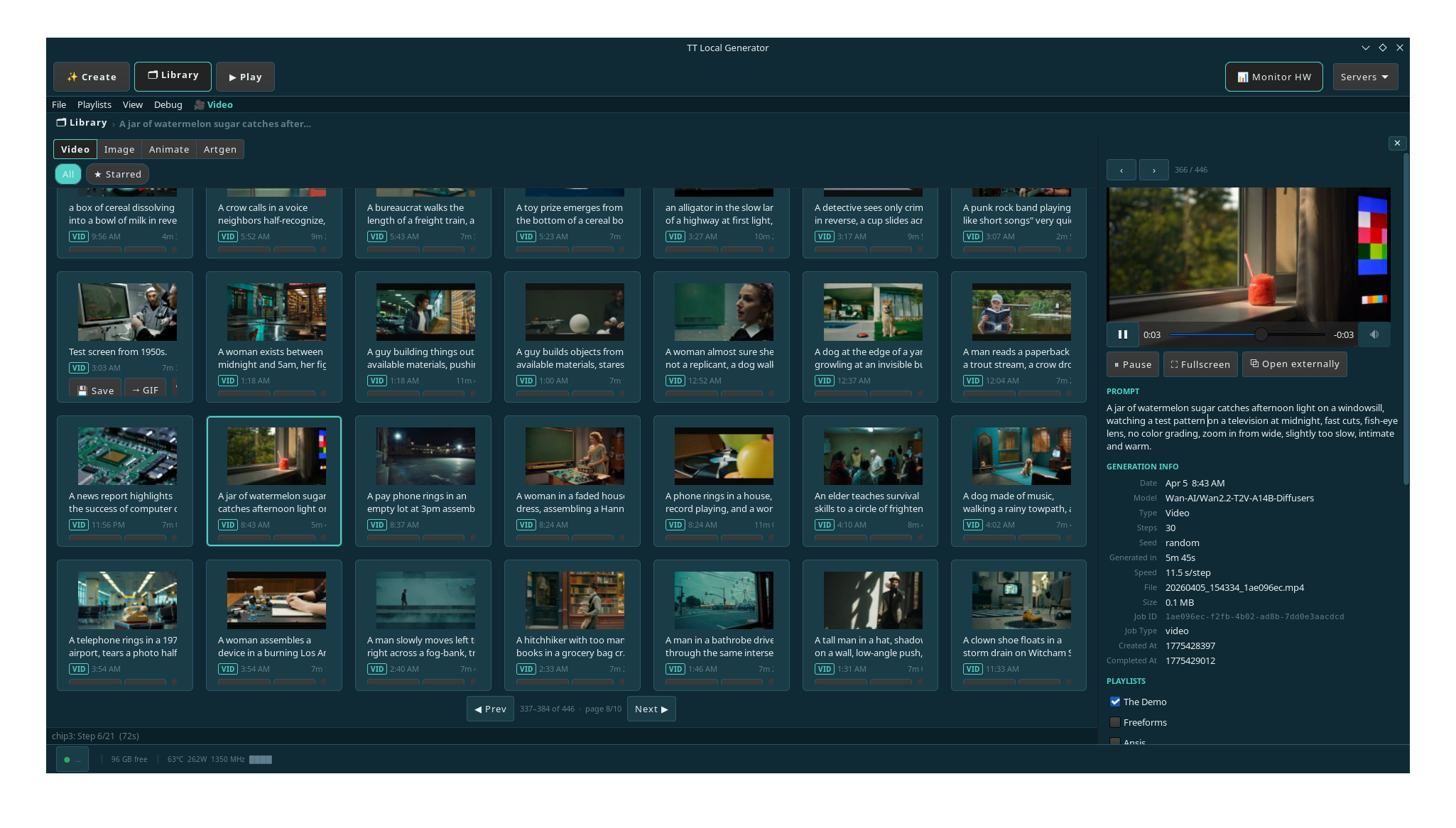
A collection of videos generated with tt-local-generator on a QB2 (P300×2) system using Wan2.2-T2V-A14B — all running locally, no cloud.
A focused three-phase loop for building a local AI media library — from a blank prompt to a polished collection you can enjoy on any screen.
Write a prompt — or let the three-tier generator do it for you. Submit to Wan2.2, Mochi, SkyReels, FLUX, or AnimateDiff. Server management, queuing, and live progress are built in.
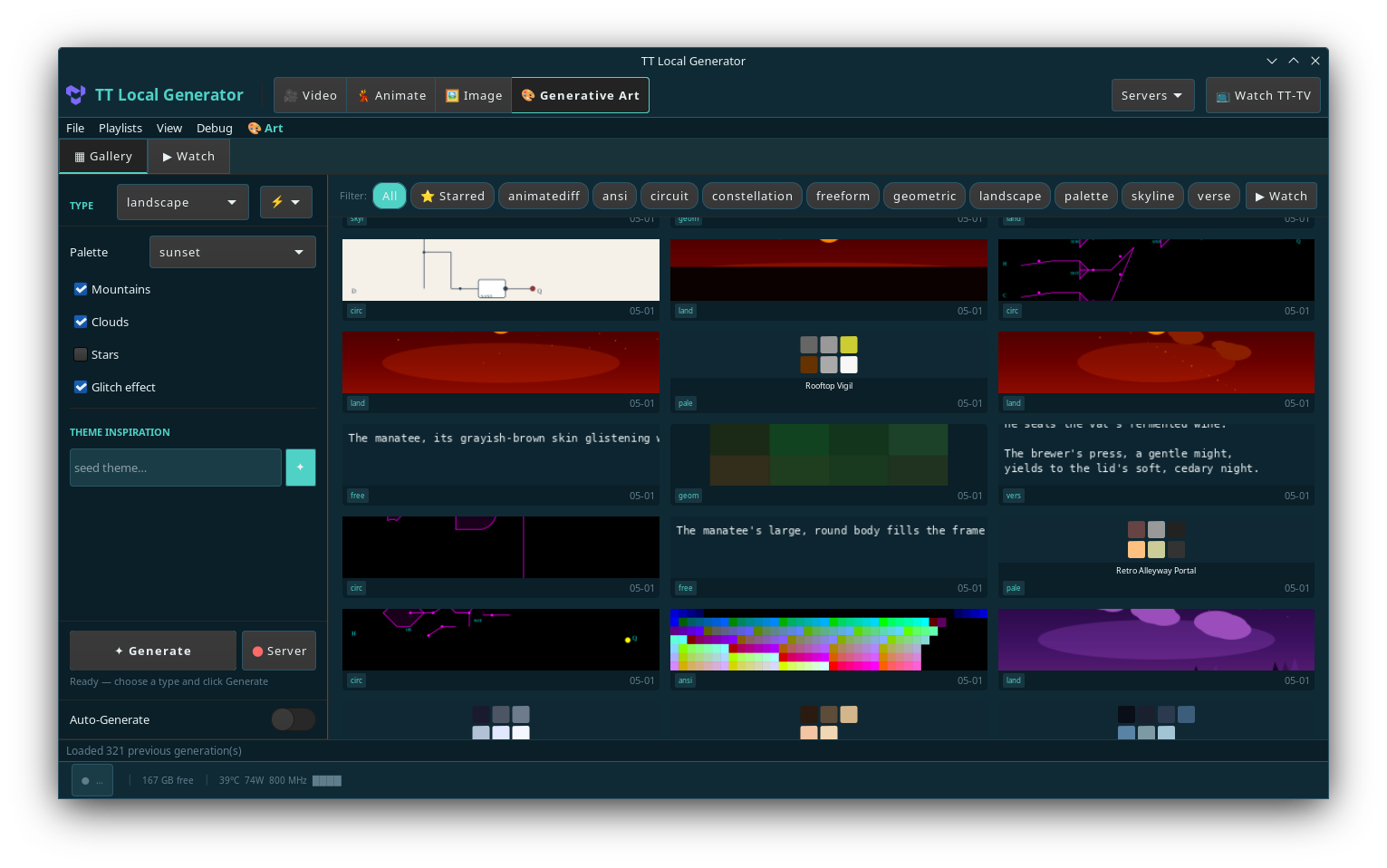
Every generation lands in a persistent gallery with full metadata. Hover to preview. Star favorites. Export or share. A growing archive of everything your hardware has ever made.
Switch to TT-TV — a lean-back cinematic mode that plays your library as a continuous, looping experience. Your models. Your prompts. Your channel.
A full-screen cinematic viewer for your generated library. No algorithm decides what you see — just your own creations, playing on loop.
Switch between text-to-video, image generation, image-to-video, character animation, and generative art from a single interface. Each model has a dedicated server managed by the app.
Hardware note: All video and image inference requires Blackhole hardware (QB2 — dual P300X2). This is the primary development and test target. Wormhole (N150/N300) is not currently supported for inference. The Generative Art text and SVG generators run on any machine via CPU.
14B parameter cinematic video model. The flagship experience for long, detailed prompts.
High-motion, expressive video generation. Great for character and action-heavy prompts.
Fast diffusion transformer at 540P. Animates still images with physics-respecting motion.
State-of-the-art text-to-image. Rich detail, accurate text rendering, photorealistic output.
Video-to-video character animation. Give any character a motion — or replace a person in a clip.
TTNN UNet with cross-frame temporal attention. Generates animated GIFs directly on Blackhole — no Docker, no server warmup. Every generation driven by the prompt engine.
A second creative mode alongside video: SVG landscapes, color palettes, verse, ANSI art, and — on Blackhole hardware — animated GIFs via the AnimateDiff TTNN pipeline. Everything driven by the same three-tier prompt engine: algorithmic word banks → Markov chain → LLM polish.
Works from day one. The Generative Art tab automatically uses the best LLM available — a dedicated Generative Art model when you have one running, or the lightweight Qwen3-0.6B prompt server otherwise. Verse and palette generate well at any model size. SVG generators shine with a larger model. No configuration needed: start a bigger LLM and every subsequent generation upgrades automatically.
Animated GIFs generated directly on Blackhole — no Docker container, no server warmup. Nine starred outputs from a single session, all driven by the literary prompt engine. The model is SD 1.4 with a TTNN UNet and cross-frame temporal attention.
Generating coherent ANSI pixel art in a single LLM pass fails at any canvas larger than a few dozen cells — the model can't simultaneously plan spatial composition, choose the right characters, and assign 256 colors to hundreds of cells at once. The solution is a three-pass pipeline that separates each concern into a task the model handles well:
Draw the subject using plain ASCII characters. No color, no block chars — just spatial
composition. X # . | / placed where
the model's layout judgment is strongest.
The ASCII sketch is redrawn with Unicode block characters
(█ ▀ ▄ ▌ ▐ ░ ▒ ▓)
for richer geometry. Layout is fixed — only visual quality improves.
Given the fixed character map, the LLM wraps every cell with one xterm-256 foreground color. Deciding a single color for an already-placed character is far simpler than planning position + color together.
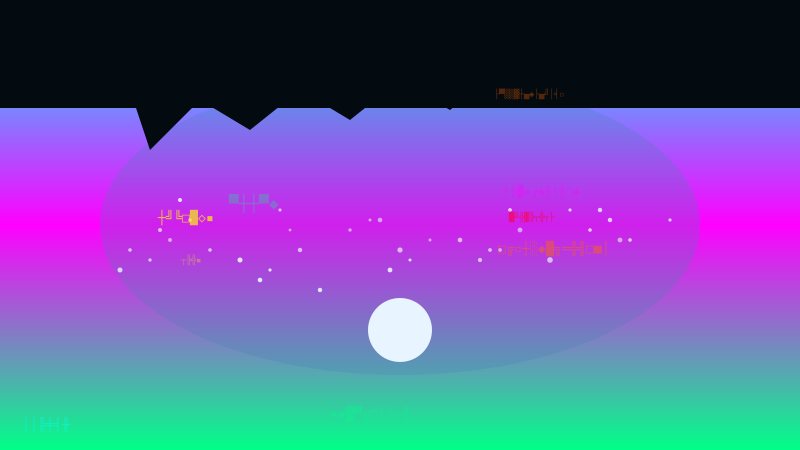
BBS style applies neon-on-void rules with zone constraints (void rows top and bottom,
neon subject in the center) and derives a board-identity color theme from the board name.
Try it: tt-ctl artgen ansi --ansi-style bbs --board-name "NEON VOID" --subject "glowing skull"
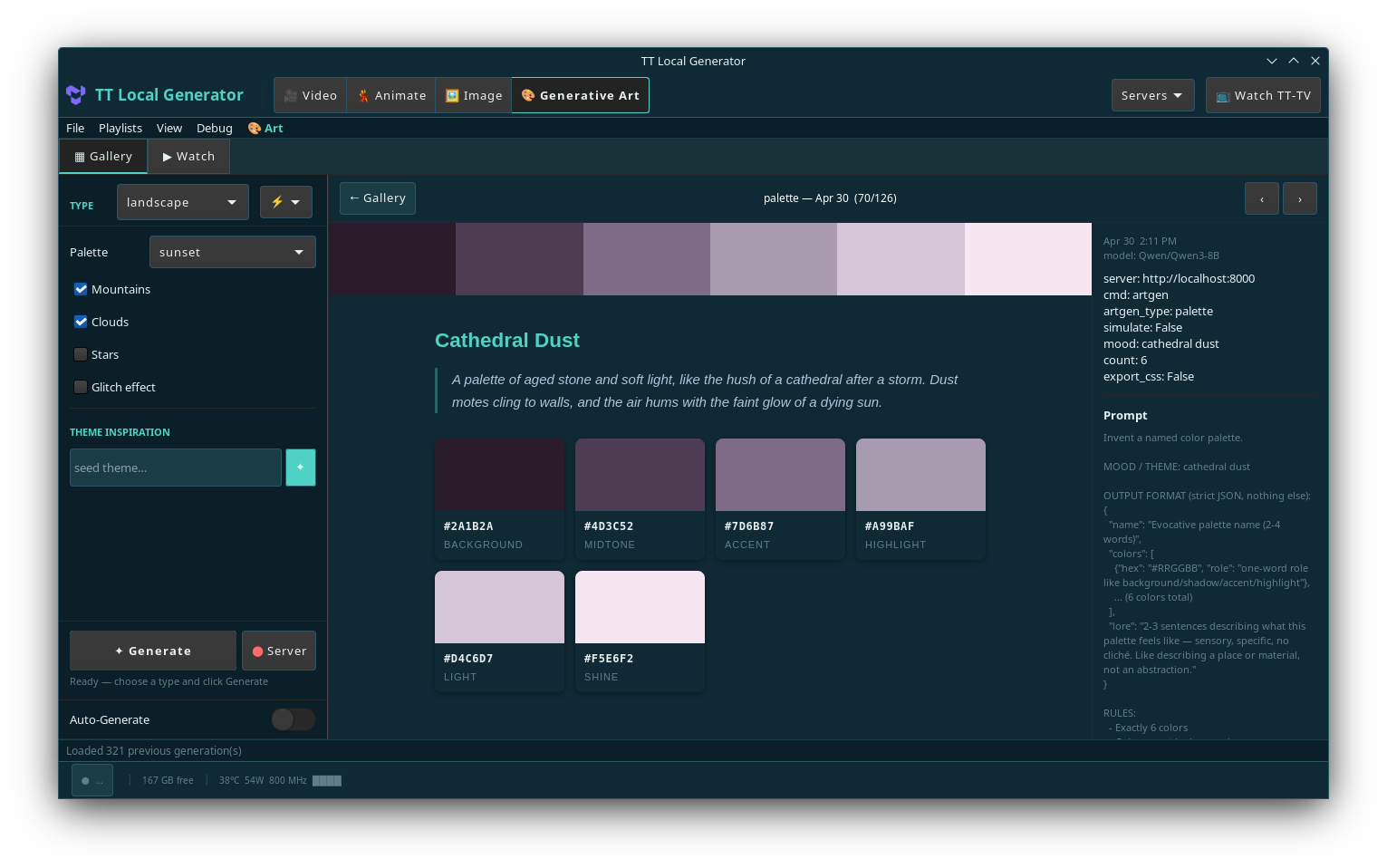
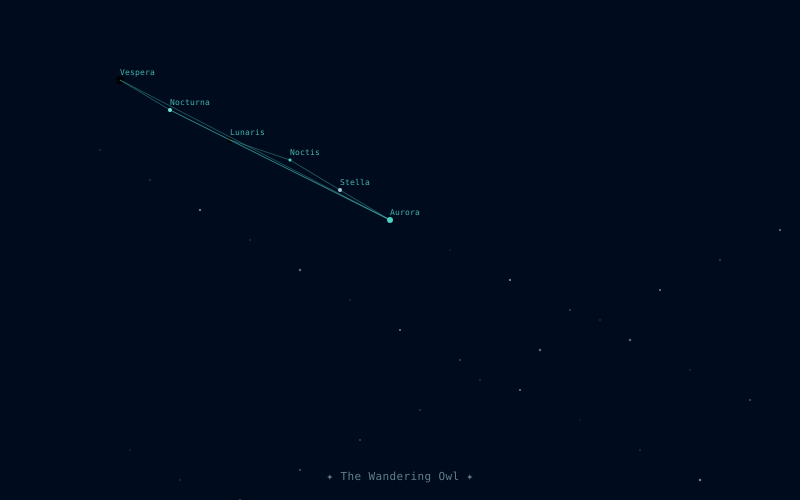
The palette generator produces named color sets with evocative prose lore — each one a mood, a texture, a smell. Rendered in the app exactly as shown below.
A built-in prompt engine with no cloud dependency. Generates cinematic, specific, and evocative prompts for every model type — instantly.
Samples from deep, curated word banks — subjects, settings, lighting, camera moves, mood, style — and assembles them into a structured slug. Six structural templates rotate the syntactic shape of each result; a 12 % chance injects an unexpected juxtaposition element the LLM cannot neutralise. Fast, always available. No model required.
Always availableTrains on a seed corpus of tagged prompts and generates novel recombinations at the sentence level using state size 1 — maximising wild collisions over near-verbatim repetition. A 1970s Betamax in an Escher staircase. A Muppet at a Manhattan diner at 2am.
Always availableQwen3-0.6B on CPU (port 8001) takes the raw slug and makes it flow naturally — without re-selecting or hallucinating new elements. Temperature and token budget scale to model size; small models (<3 B) run three candidates and the most specific one wins.
Qwen3-0.6B on CPUAnimateDiff runs a TTNN UNet with cross-frame temporal attention directly on Blackhole — no Docker container, no server warmup. The prompt engine (algo → Markov → Qwen3 polish) drives every generation; SD 1.4 reads the visual scene. Literary register shapes the mood; the architecture handles temporal coherence across frames.
Real outputs — nine starred GIFs from a live QB2 session, each generated in under two minutes.
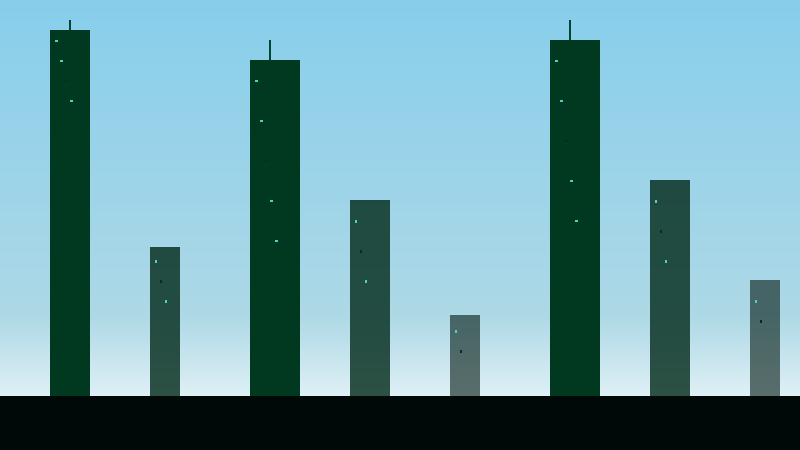
The Generative Art tab sends structured generation prompts to an LLM and renders the output — SVG art, ANSI pixel grids, or plain text — directly in the gallery. Six starred examples from a real session are shown below, one for each generator type.
The LLM is chosen automatically: dedicated Generative Art server first (Qwen3-8B, Llama-3.1-8B, etc.), then the always-on Qwen3-0.6B prompt server as a fallback. Verse and palette work well at either size. SVG generators give richer results with a larger model but function at 0.6B too.
I am a poem, born of code and art,
A fleeting thought, a digital heart.
My words are woven, a tapestry so fine,
Generated lines, a mechanical design.
I know I'm artificial, a construct of mind,
A simulation of poetry, left behind.
My rhymes and rhythms, a calculated beat,
A manufactured muse, a synthetic treat.
I fold upon myself, a self-aware refrain,
A poem about poems, a meta-pain.
I reference my own, digital birth,
A creation of algorithms, a poetic mirth.
In this recursive loop, I find my form,
A poem that knows itself, a self-aware norm.
I am a poem, generated with ease,
A digital artifact, a poetic tease.
Ubuntu 24.04 with Tenstorrent hardware? Grab the .deb.
Mac or any other Linux machine? Clone and run directly.
Or download directly from the
Releases page.
Install gh with sudo apt install gh if needed.
Installs the app and launchers. Docker may also be installed via recommended packages; otherwise, install and start Docker manually before first use.
Generated videos and images are saved to
~/.local/share/tt-video-gen/ and automatically
linked into ~/Videos/tt-local-generator/ for easy browsing.
apply_patches.sh needed — the package handles that automatically):tt-local-gen-download-model --repo Wan-AI/Wan2.2-T2V-A14B-Diffusers (~118 GB)tt-local-gen-download-model --repo Qwen/Qwen3-0.6B (~1.2 GB — prompt server)sudo apt install tt-model-wan2-t2v tt-model-qwen3
Clone destination ~/code/tt-local-generator is expected by all scripts. macOS connects as a remote client to a Tenstorrent machine over the network.
This creates vendor/tt-inference-server/ — the server tree that all start_*.sh scripts use. Takes ~30 s on a fast connection.
Required once after every setup_vendor.sh. The start_*.sh scripts check for this and print an error if skipped.
Use Servers ▸ Start in the app to start an inference backend, or launch one directly:
./bin/start_wan_qb2.sh.
Remote clients: ./tt-gen --server http://your-tt-machine:8000