Workflows let you chain generation steps — prompt conditioning, image generation,
video synthesis, remixing — into a single replayable pipeline defined in a JSON file
that follows the ComfyUI node-graph schema. Run them from the GUI toolbar or headlessly
from the terminal with tt-ctl workflow run.
A workflow is a directed acyclic graph of nodes. Each node does one thing — load a model, generate an image, polish a prompt, convert a file — and passes its output to the next node as an input. The graph is stored as JSON and is replayable, shareable, and version-controllable.
class_type, a dictionary of inputs
(literal values or references to other nodes' outputs), and an optional
_meta block for display labels. The app reads ComfyUI-format
workflow JSON natively and maps class_type values to registered
node handlers.
A plugin is a single generator — it takes parameters and produces one artifact. A workflow is a multi-node pipeline that may invoke several plugins in sequence, carry intermediate results between steps, branch on conditions, and produce multiple output artifacts. Plugins are the atomic units; workflows are the compositions.
| class_type | What it does | Hardware |
|---|---|---|
| TTLGTextToImage | Text-to-image via FLUX.1-schnell (~3s) or SDXL/cpp_server (~2s) | QB2 (P300X2) |
| TTLGImageToVideo | Image-to-video via SkyReels V2 I2V (~90s) or Wan2.2 T2V | QB2 (P300X2) |
| TTLGGenerateText | LLM text generation — Llama-3.3-70B, Qwen3-32B, Qwen3-8B, etc. | QB2 artgen server |
| TTLGCaptionImage | Image captioning via BLIP — returns a natural-language description | CPU (tenstorrent venv) |
| TTLGRemoveBackground | Background removal via RMBG-1.4 — returns a transparent PNG | CPU (tenstorrent venv) |
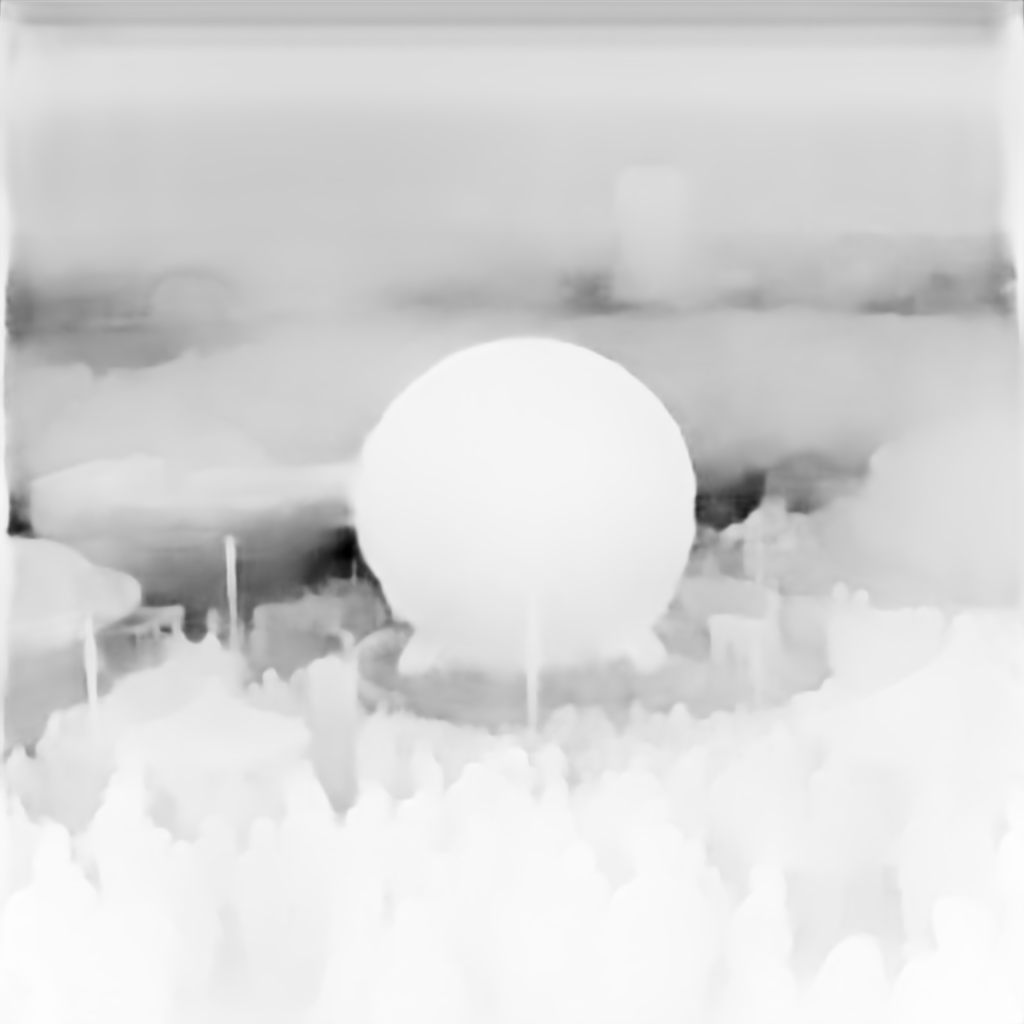
| TTLGEstimateDepth | Depth map via GLPN-KITTI — returns a grayscale depth PNG (brighter = closer) | CPU (tenstorrent venv) |
| TTLGPromptCompose | String template — combines outputs from prior nodes into a new prompt string | None (string operation) |
| TTLGAddToPlaylist | Imports all output artifacts into the app and creates a named playlist for TT-TV | None (app store write) |
Click the ⚙ Workflow button in the main toolbar to open the workflow panel. The panel is divided into three zones that cover the full lifecycle: selecting a spec, supplying parameters, and reviewing what ran.
A dropdown listing all workflow JSON files found in
~/.config/tt-local-gen/workflows/ and the built-in
workflows/ directory at the repo root. Selecting a spec
loads its parameter declarations into zone 2. A folder icon beside the
picker opens the workflow directory in the file manager.
Each workflow declares its user-facing parameters in the top-level
"x-ttlg-params" block. Zone 2 renders these as form
fields — text inputs, dropdowns, sliders, file pickers — based on
the declared type. Default values are pre-filled. Click
Run to launch the workflow with the current values,
or Dry run to validate the graph without executing
any nodes.
Every workflow execution is recorded with a timestamp, the resolved parameter values, execution time per node, and the paths of any artifacts produced. Click any run to expand its node execution log. Failed nodes are highlighted with the error message inline. Artifacts from successful runs appear in the main gallery automatically.
The worlds_fair_1964.json workflow ships as a built-in example. It
demonstrates a complete multi-step pipeline: algorithmic prompt generation, LLM
conditioning, image synthesis, and video generation — all chained together with
intermediate artifact handoff.
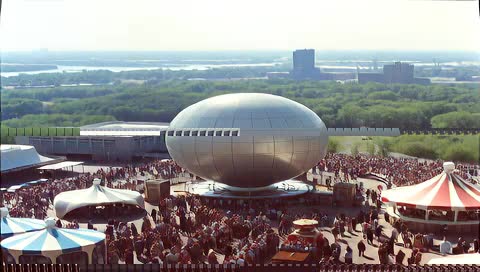
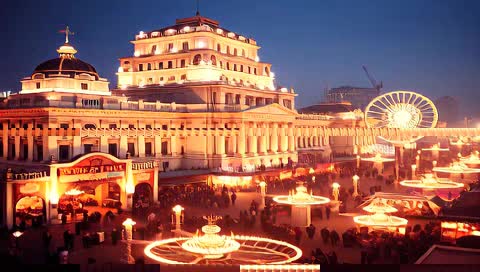
A short video — 5 seconds at 24 fps — depicting a stylised scene from the 1964 New York World's Fair. The pipeline generates a landscape SVG as visual reference, conditions a video prompt from it, and submits the prompt to Wan2.2. The entire run takes approximately 12 minutes on a QB2 (P300x2) system.
Node colors: teal = input · gold = processing · green = model inference · pink = output/save
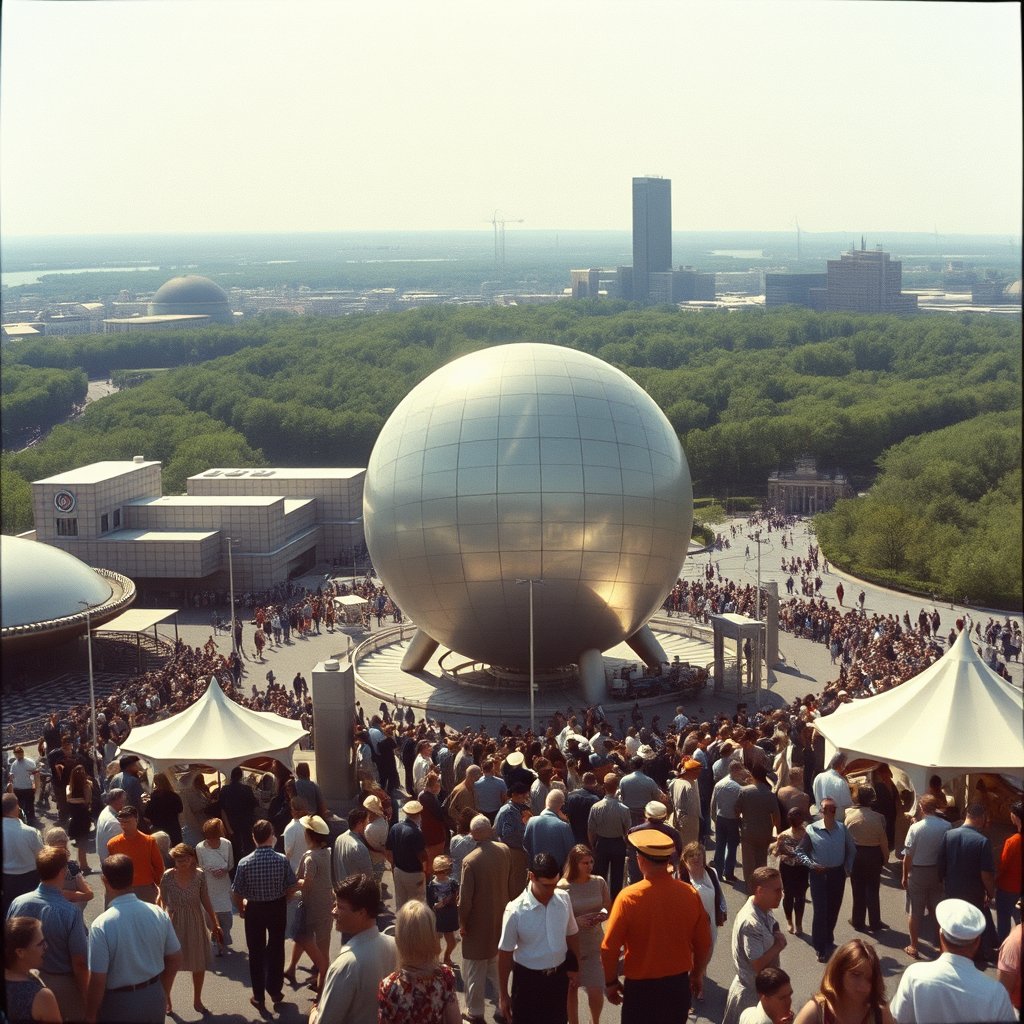
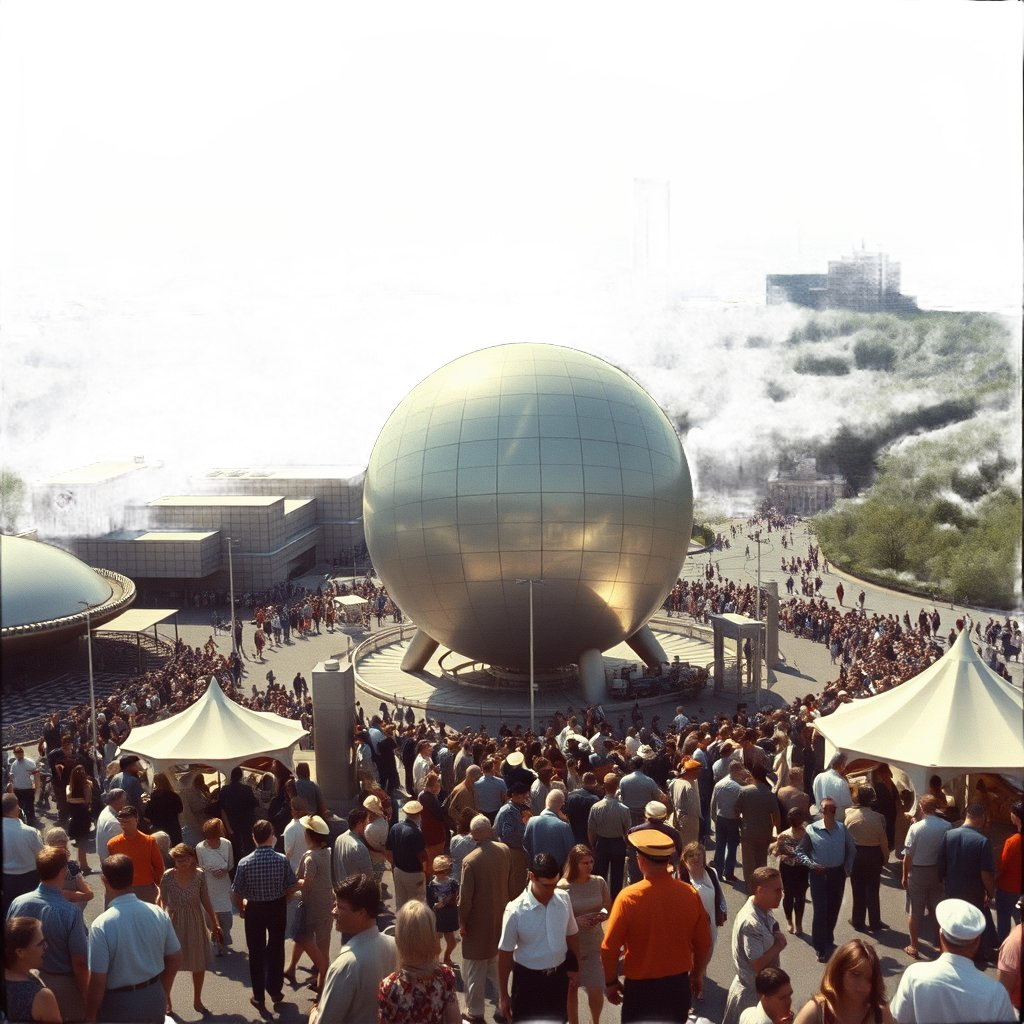
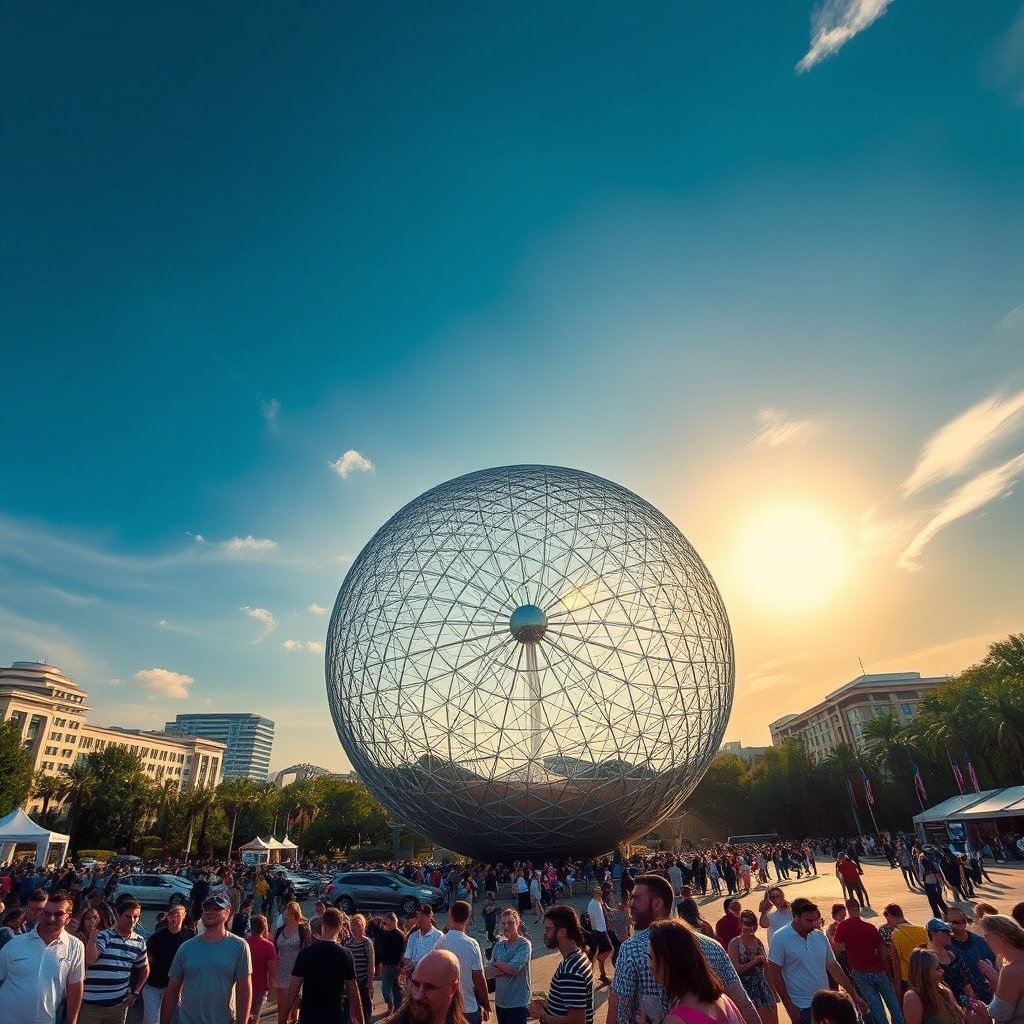
"a large crowd of people walking around a large sphere"
"a large crowd of people walking around a large sphere — 1964 World Fair, retro-futuristic, Kodachrome, cinematic, warm-toned, wide angle, late afternoon sun"
The workflow exposes three parameters in zone 2 of the toolbar panel:
| Parameter | Type | Default | Effect |
|---|---|---|---|
| style_hint | string | "cinematic, warm-toned" | Injected into the PromptConditioner's style guidance at node 3 |
| palette | enum | golden | Controls the landscape SVG color palette at node 2. Options: golden, arctic, volcanic, midnight, toxic, neon |
| num_frames | integer (9–241, step 4) | 121 | Number of video frames passed to VideoGenNode. 121 frames is approximately 5 seconds at 24 fps. |
# Run with default parameters
tt-ctl workflow run worlds_fair_1964
# Override palette and style hint
tt-ctl workflow run worlds_fair_1964 \
--param palette=volcanic \
--param style_hint="moody, low-contrast, fog"
# Validate the graph without running anything
tt-ctl workflow run worlds_fair_1964 --dry-run
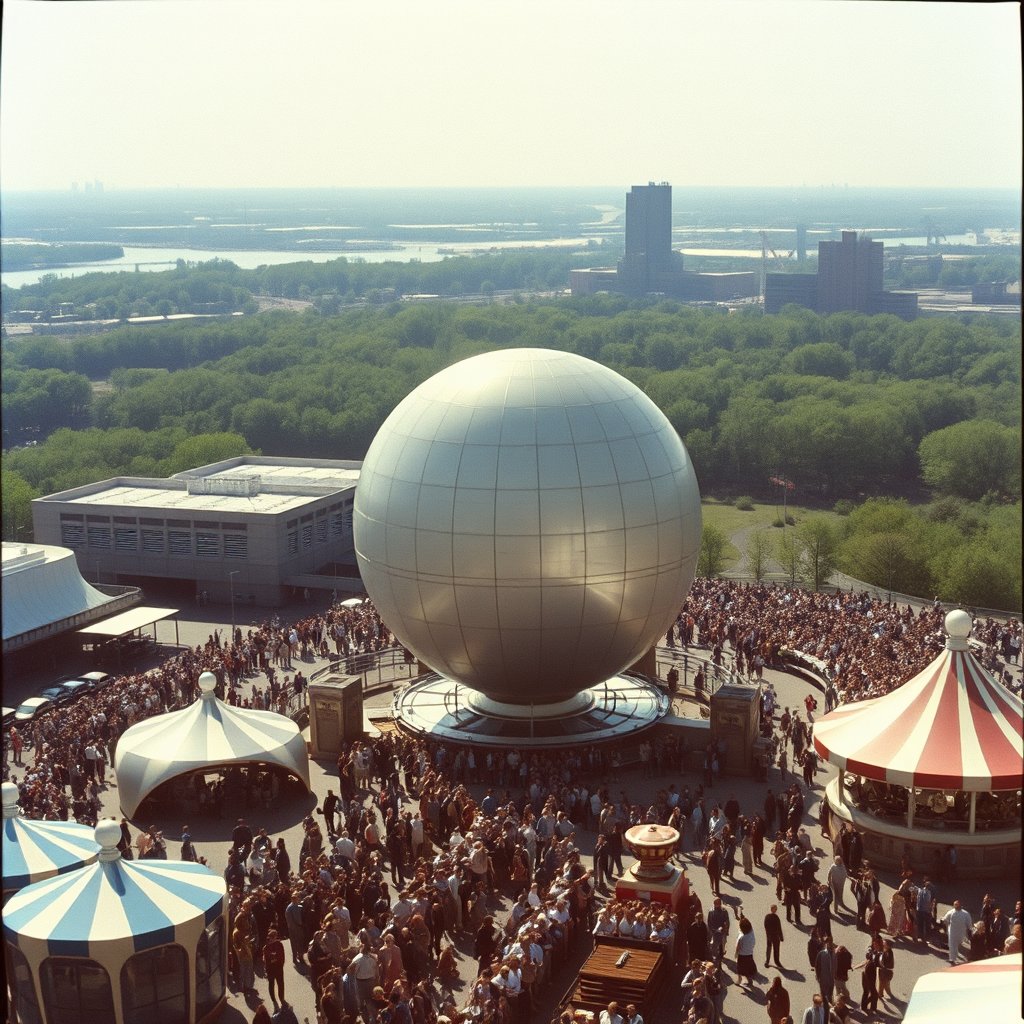
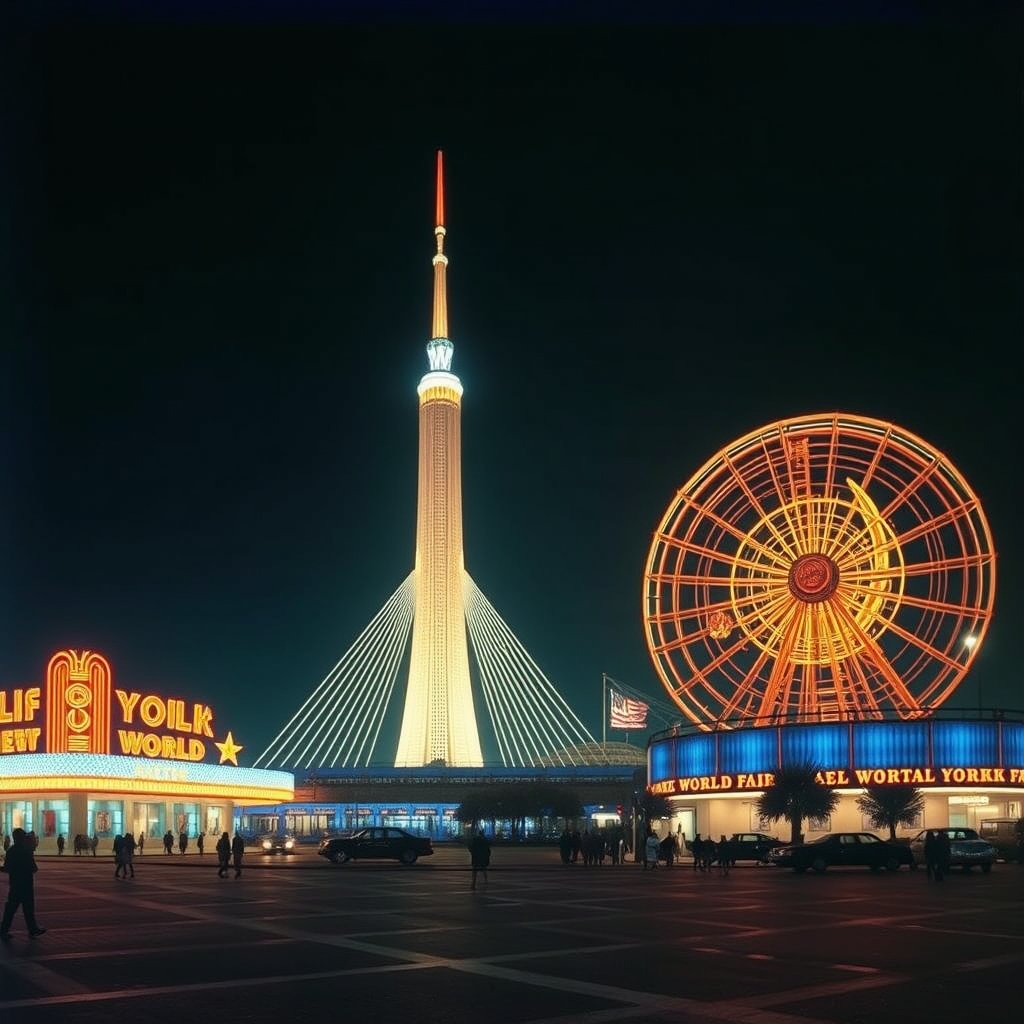
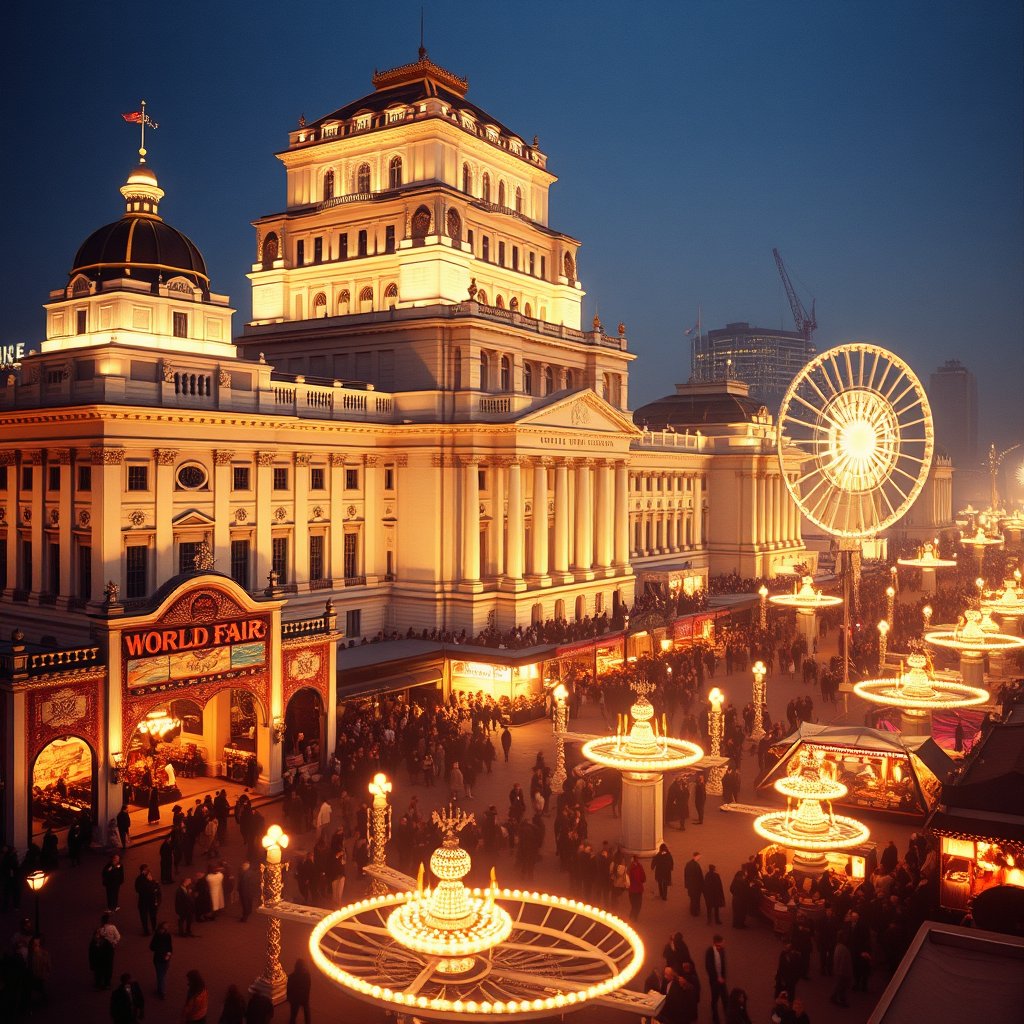
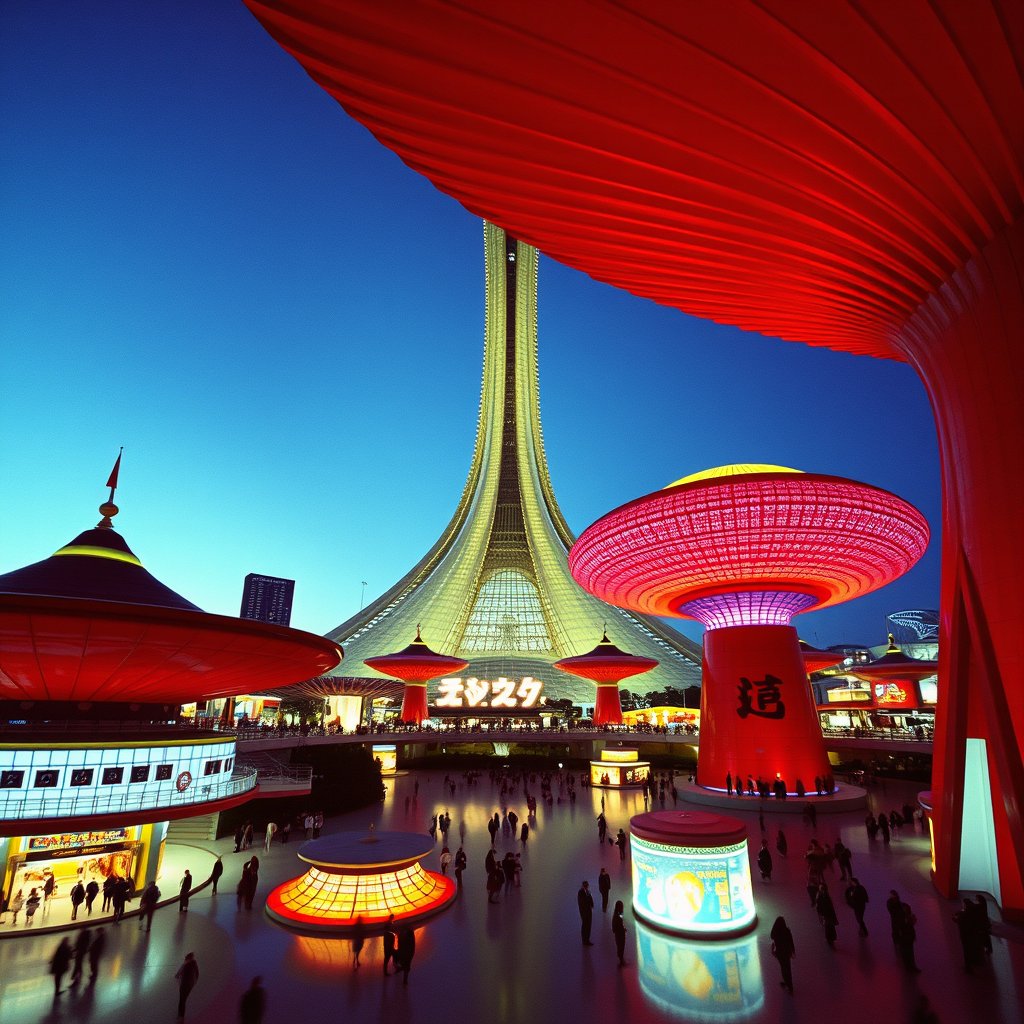
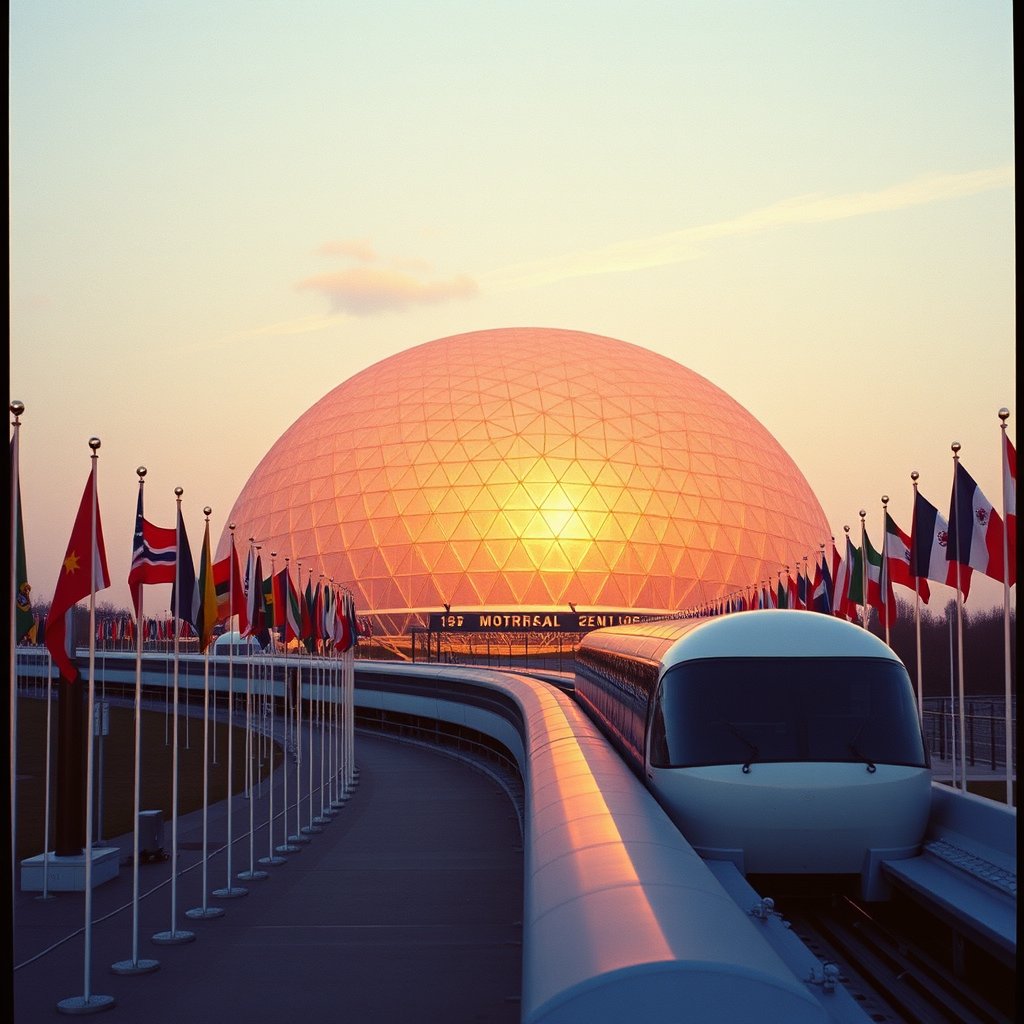
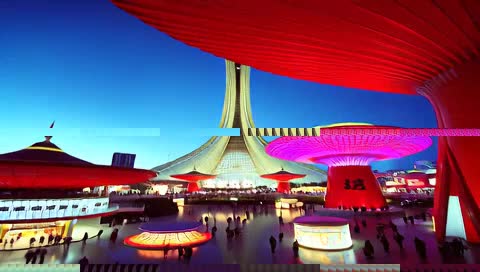
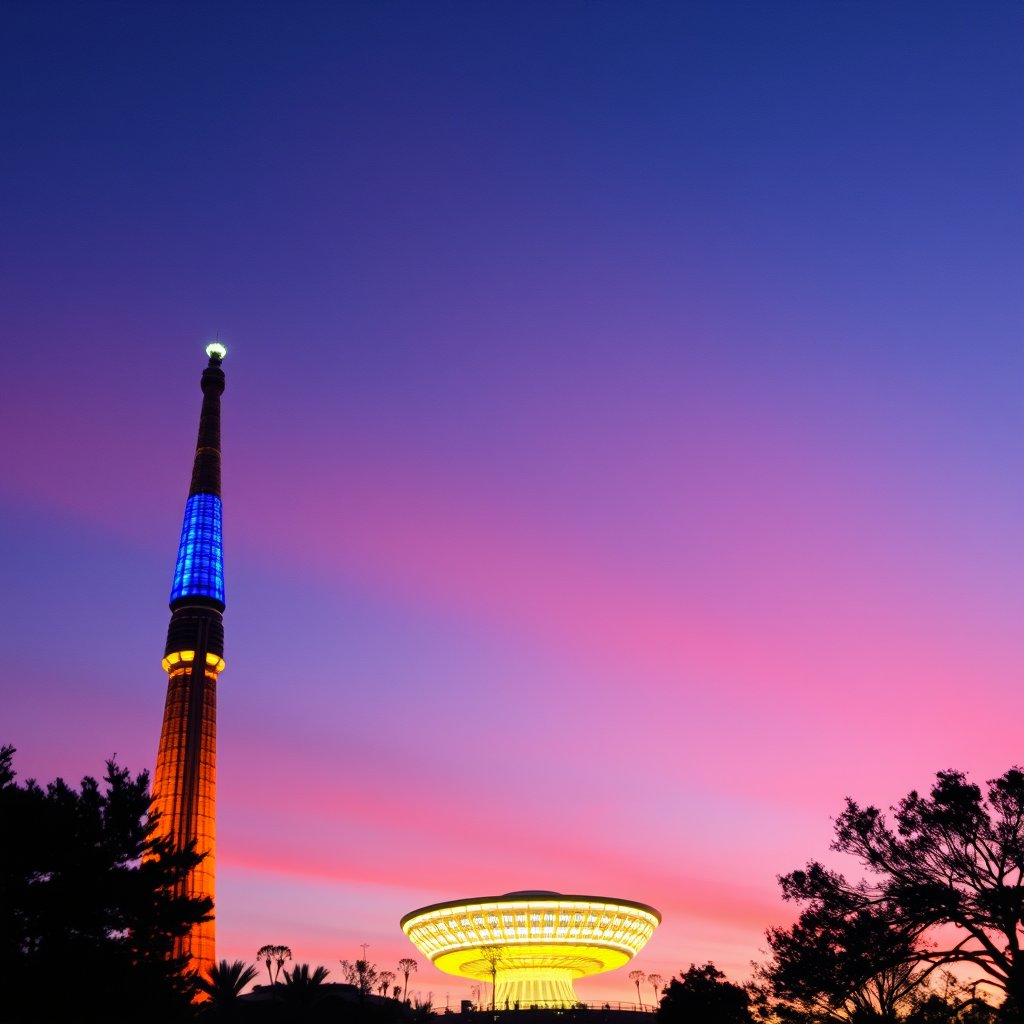
The same workflow JSON ran on five different prompts: 1964 New York, 1939 New York, 1893 Chicago, 1970 Osaka, and 1967 Montreal. Each produced a seed image, a video, and a poem image. Here's what came out.


Total pipeline time: ~45 min wall time · ~3 min pure inference · 30 artifacts · 1 playlist
All workflow operations are available headlessly via tt-ctl.
The CLI and GUI share the same workflow engine — running a workflow from
the terminal produces the same artifacts as clicking Run in the toolbar.
| Command | What it does |
|---|---|
| tt-ctl workflow list | List all available workflow specs — built-in and user-installed — with their parameter summaries |
| tt-ctl workflow run <name> | Execute a workflow by name using all default parameter values |
| tt-ctl workflow run <name> --param key=value | Override one or more parameters. Repeat --param for multiple overrides. |
| tt-ctl workflow run <name> --dry-run | Validate the graph and print the resolved execution plan without running any nodes |
| tt-ctl workflow show <name> | Print the full workflow JSON with parameter documentation |
| tt-ctl workflow history | Show recent workflow runs with status and output artifact paths |
| tt-ctl workflow history <run-id> | Show the per-node execution log for a specific run, including timings and any errors |
# See all available workflows
tt-ctl workflow list
# Run the built-in 1964 World's Fair example with defaults
tt-ctl workflow run worlds_fair_1964
# Override palette and request fewer frames (faster run)
tt-ctl workflow run worlds_fair_1964 \
--param palette=arctic \
--param num_frames=33
# Validate a new workflow without running it
tt-ctl workflow run my_workflow --dry-run
# Show the JSON for a built-in workflow
tt-ctl workflow show worlds_fair_1964
# See the last 10 runs across all workflows
tt-ctl workflow history
# Inspect per-node timings for a specific run
tt-ctl workflow history run-2026-05-29-143201
tt-ctl workflow run uses
the same engine as the GUI, so you can schedule runs with cron, trigger them
from scripts, or chain them in shell pipelines. Artifacts written by
SaveImage nodes appear in the GUI gallery the next time the app
opens — the history store is shared between CLI and GUI.
Both locations are scanned at startup. A user-installed workflow overrides a built-in with the same filename stem.
| Location | Purpose |
|---|---|
| ~/.config/tt-local-gen/workflows/ | User-installed workflows. Persists across app updates. |
| workflows/ (repo root) | Built-in example workflows shipped with the app. |