Getting Started with TT-Blacksmith
This document walks you through how to set up TT-Blacksmith. TT-Blacksmith provides a collection of experiments for running machine learning workloads on Tenstorrent hardware.
NOTE: If you encounter issues, please request assistance on the TT-Blacksmith Issues page.
Prerequisites
1. Set Up the Hardware
Follow the instructions for the Tenstorrent device you are using at: Hardware Setup
2. Install Software
Follow the manual software dependencies installation guide to set up your system.
TT-Blacksmith Installation
This section walks through the installation steps for using a Docker container to run TT-Blacksmith experiments.
Prerequisite: Docker must be installed. See the official Docker installation guide if needed.
Step 1. Run the Docker Container
docker run -it --rm \
  --device /dev/tenstorrent \
  -v /dev/hugepages-1G:/dev/hugepages-1G \
  ghcr.io/tenstorrent/tt-xla/tt-xla-base-ubuntu-24-04:latest
NOTE: You cannot isolate devices in containers. You must pass through all devices even if you are only using one. You can do this by passing
--device /dev/tenstorrent. Do not try to pass--device /dev/tenstorrent/1or similar, as this type of device-in-container isolation will result in fatal errors later on during execution.
If you want to check that it is running, open a new tab with the Same Command option and run the following:
docker ps
Step 2. Running Experiments in Docker
Inside your running Docker container:
Clone the TT-Blacksmith repo:
git clone https://github.com/tenstorrent/tt-blacksmith.git
cd tt-blacksmith
Activate the environment:
source env/activate --xla
NOTE: To run experiments on GPU instead of Tenstorrent hardware, Docker is not required. Simply clone the repository and use
source env/activate --gpu.
Run an experiment by following the instructions in its README file. For example, to run the LLaMA LoRA fine-tuning experiment, see the LoRA README.
Running Experiments
This section guides you through the process of running experiments included in this project, allowing you to reproduce results and explore different configurations.
Explore Available Experiments: Browse the experiments documentation to find a list of all available experiments.
Understand Experiment Details: Before running an experiment, review its dedicated README file for high-level description and specific instructions.
Execute the Experiment: Follow the detailed steps outlined in the experiment’s README file to run it successfully.
Experiment with Configurations: Feel free to modify the experiment configurations (e.g., parameters) as described in the README to observe their impact on the results.
Where to Go Next
Explore more experiments in the experiments documentation
Check out the TT-XLA documentation for more information about the underlying framework
Use TT-Installer for a quick software installation path
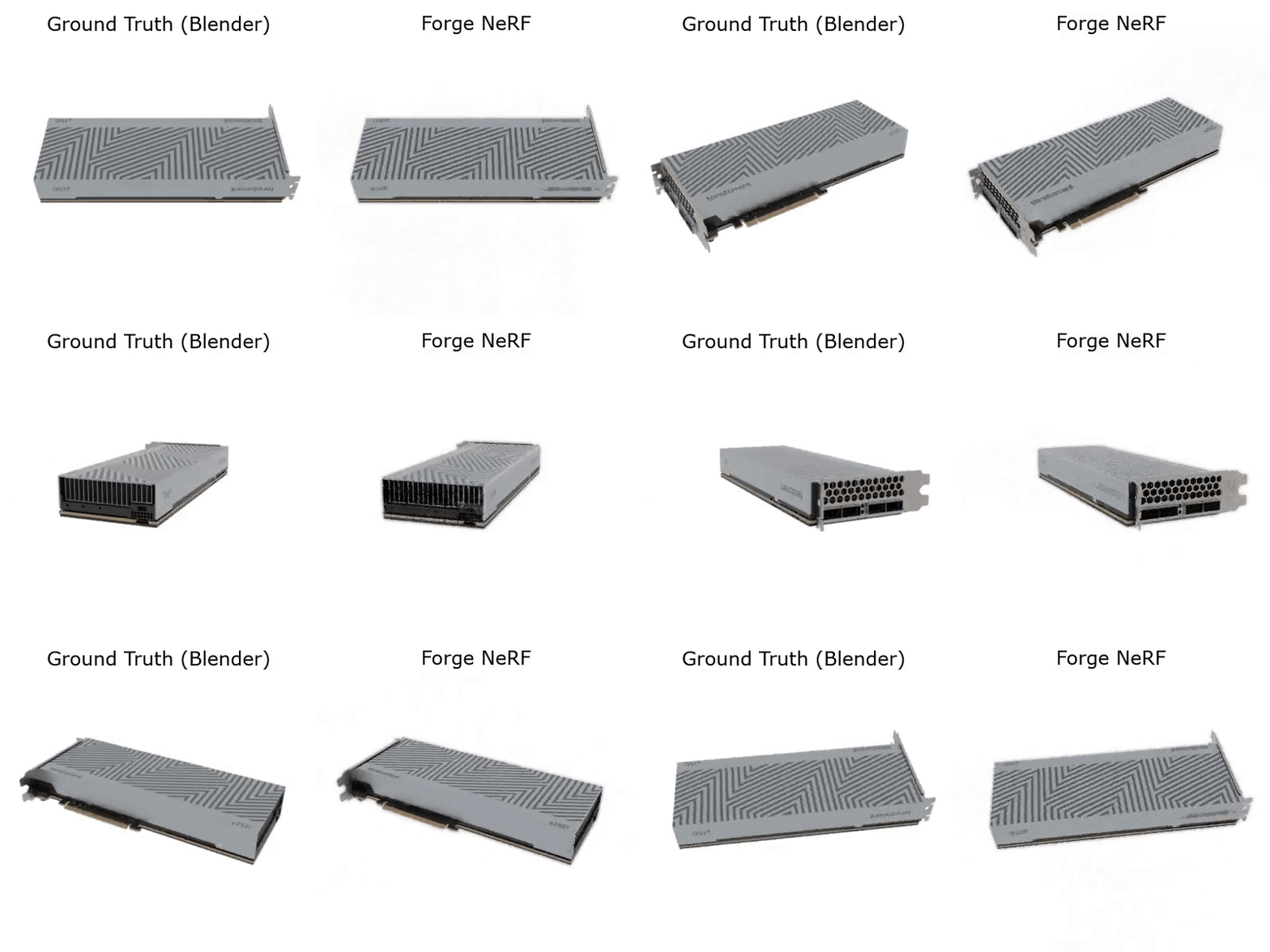
Visual Demo: 3D Reconstruction with NeRF