Tenstorrent
Tenstorrent
Documentation
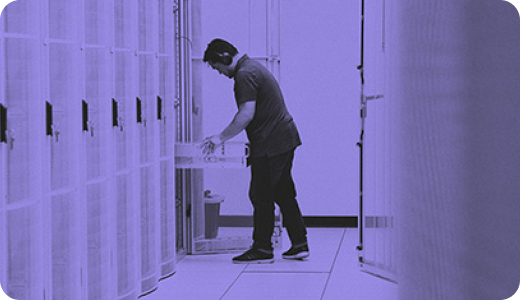
No hardware yet? Get access to Tenstorrent silicon right in your browser with Tenstorrent Cloud Console
Installing Tenstorrent Software
Set up drivers, firmware, and the TT-Metalium environment on your Tenstorrent hardware, then verify your install.
Learn by Building
Get hands-on with a guided learning path — from making your first inference to building full applications with LLMs.
Popular Destinations
Get Started

Installing Tenstorrent Software
Install the tt CLI, use it to install drivers, firmware, and the software stack, then verify your hardware.

Building with Tenstorrent Software
How TT-Forge, TT-NN, and TT-Metalium fit together - and which to use when.

Operating Tenstorrent Software
How the tt CLI and TT-Studio install, serve, and use models on your hardware - and when to use each.
Serve Models
Serve LLMs, diffusion, speech, and vision models with the tt CLI or TT-Studio, and get an OpenAI-compatible endpoint.

Manual Installation
Manually install system dependencies, drivers, and the software stack step by step.

Learn by Building
Get hands-on with guided, end-to-end lessons in the TT-VSCode-Toolkit.
Software

TT-Forge™
End-to-end MLIR compiler. Compile models from PyTorch, JAX, and ONNX.

TT-XLA
PJRT-based frontend for running JAX and OpenXLA models on Tenstorrent hardware.

TT-NN™
High-level Python API of pre-optimized neural-network operations.

TT-Lang™
Python DSL for authoring fused custom operations.

TT-MLIR™
MLIR-based backend compiler infrastructure that lowers models onto Tenstorrent hardware.

TT-Metalium™
Low-level C++ SDK for writing custom kernels on Tensix cores.

Cloud-Native Support
Run Tenstorrent accelerators on Kubernetes - install, configure, and operate the device stack.
Hardware
Blackhole

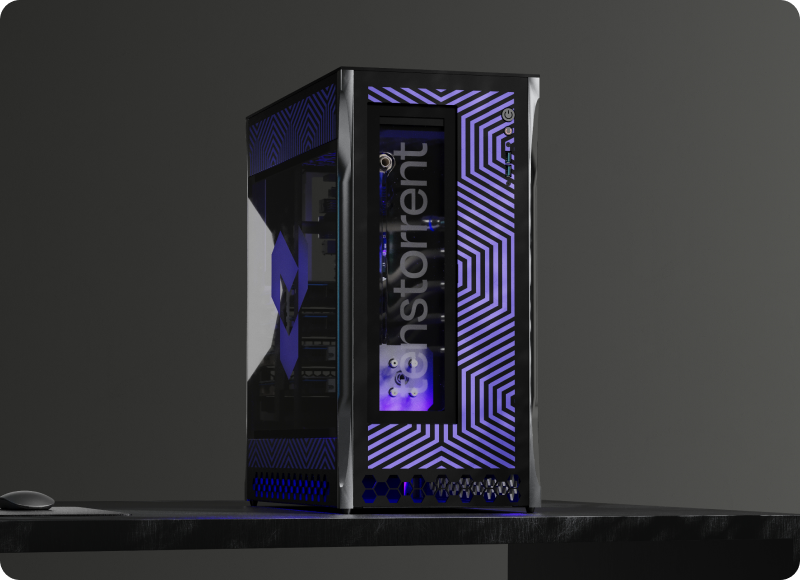
TT-QuietBox® 2 (Blackhole)
Next-generation liquid-cooled Blackhole workstation.
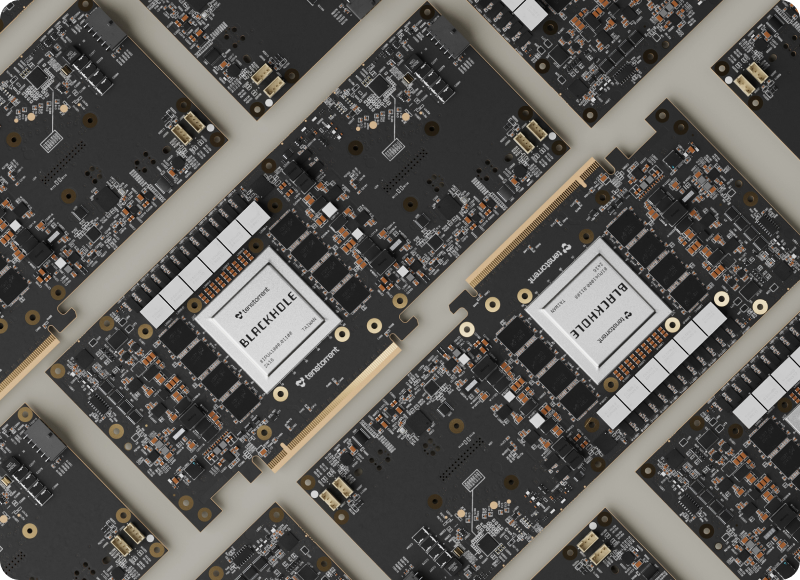
Blackhole® PCIe Cards
Infinitely scalable, high-performance AI processing.

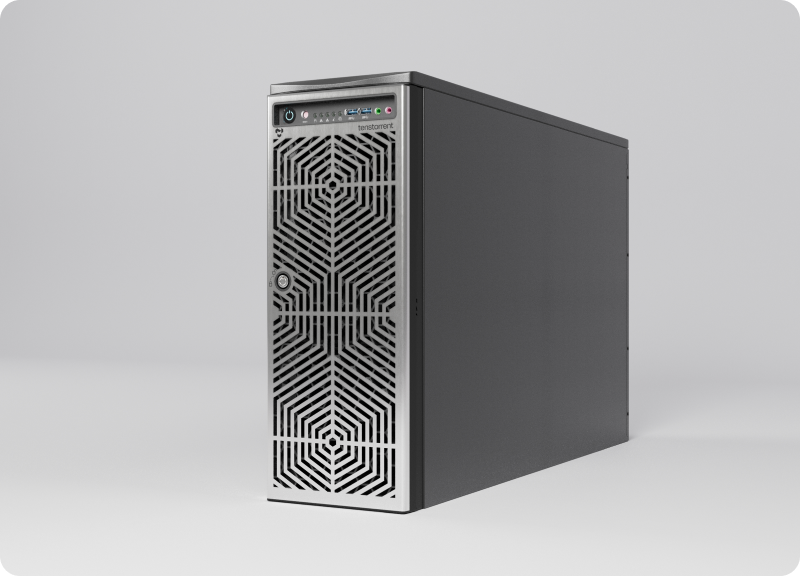
TT-QuietBox® (Blackhole)
Dead-quiet, liquid-cooled desktop AI.

Tenstorrent Galaxy® (Blackhole)
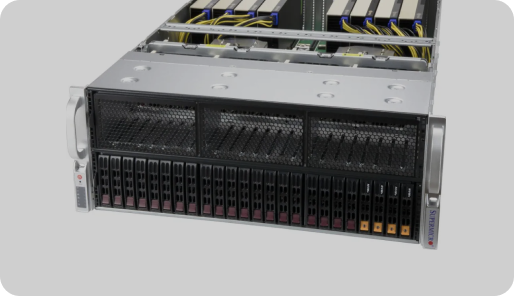
Scalable, enterprise-class AI server.
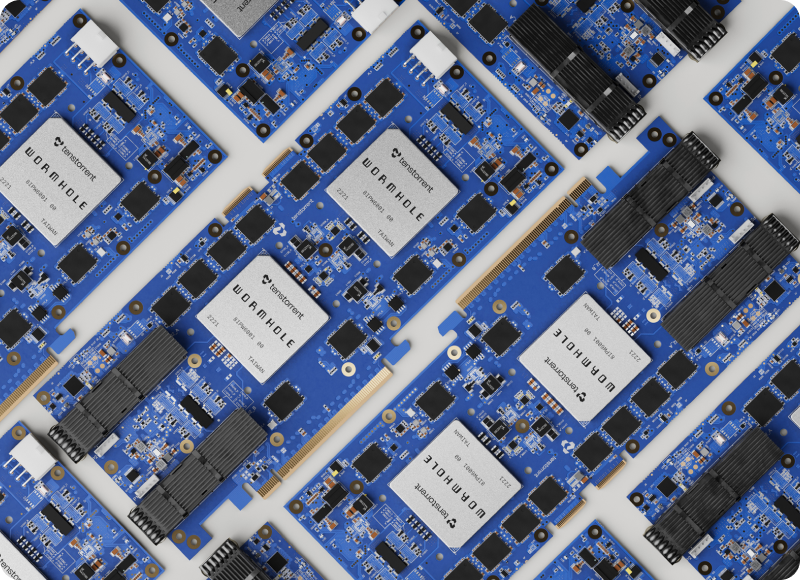
Wormhole

Learn End-to-End through TT-VSCode-Toolkit
Your First Inference
Set up the toolkit, detect hardware, and run your first model end-to-end.
Serving & APIs
Production inference with tt-inference-server and vLLM, plus image and video generation.
Applications
Real-world apps: coding assistants, AI agents, and video generation on QuietBox 2.
Custom Training
Datasets, fine-tuning, multi-device training, and training from scratch.
Cookbook
Hands-on projects: Game of Life, audio processing, fractals, and particle sims.
Compilers & Frameworks
Image classification with TT-Forge, JAX and PyTorch/XLA, and an intro to TT-Lang.
CS Fundamentals
RISC-V architecture, memory hierarchy, parallelism, synchronization, and complexity.
Advanced
Model bring-up bounties and exploring TT-Metalium at the kernel level.
Deployment
Deploy the toolkit and your work to the cloud with Koyeb.
Tools
TT-Inference-Server
Deploy and serve models - the canonical source for validated model support.
TT-Studio
Point-and-click web UI for deploying a model - the fastest path for new users.
TT-SMI
Command-line device telemetry and firmware info - ships with the software stack.
TT-Toplike
Real-time terminal monitor: power, temperature, current, and core activity.
TT-NN Visualizer
Inspect model execution: graphs, memory plots, tensor and buffer views.
TT-Topology
Configure Ethernet routing on multi-card QuietBox and LoudBox systems.
TT-VSCode-Toolkit
Guided VS Code learning environment - browse tracks in the Learn section above.
TT-Blacksmith
Optimized ML training recipes for Tenstorrent hardware.
Explore the Ecosystem
TT-Awesome
A curated directory of 115+ community and official projects, models, kernels, and research across 12 categories.
🪐 Planet Tenstorrent
The latest across the ecosystem - releases, papers, talks, videos, and demos, aggregated in one feed.
Tenstorrent on GitHub
All public source repositories - the software stack, compilers, tools, and demos.